Money Care
Everyday finances, bills and savings — organized in one place.
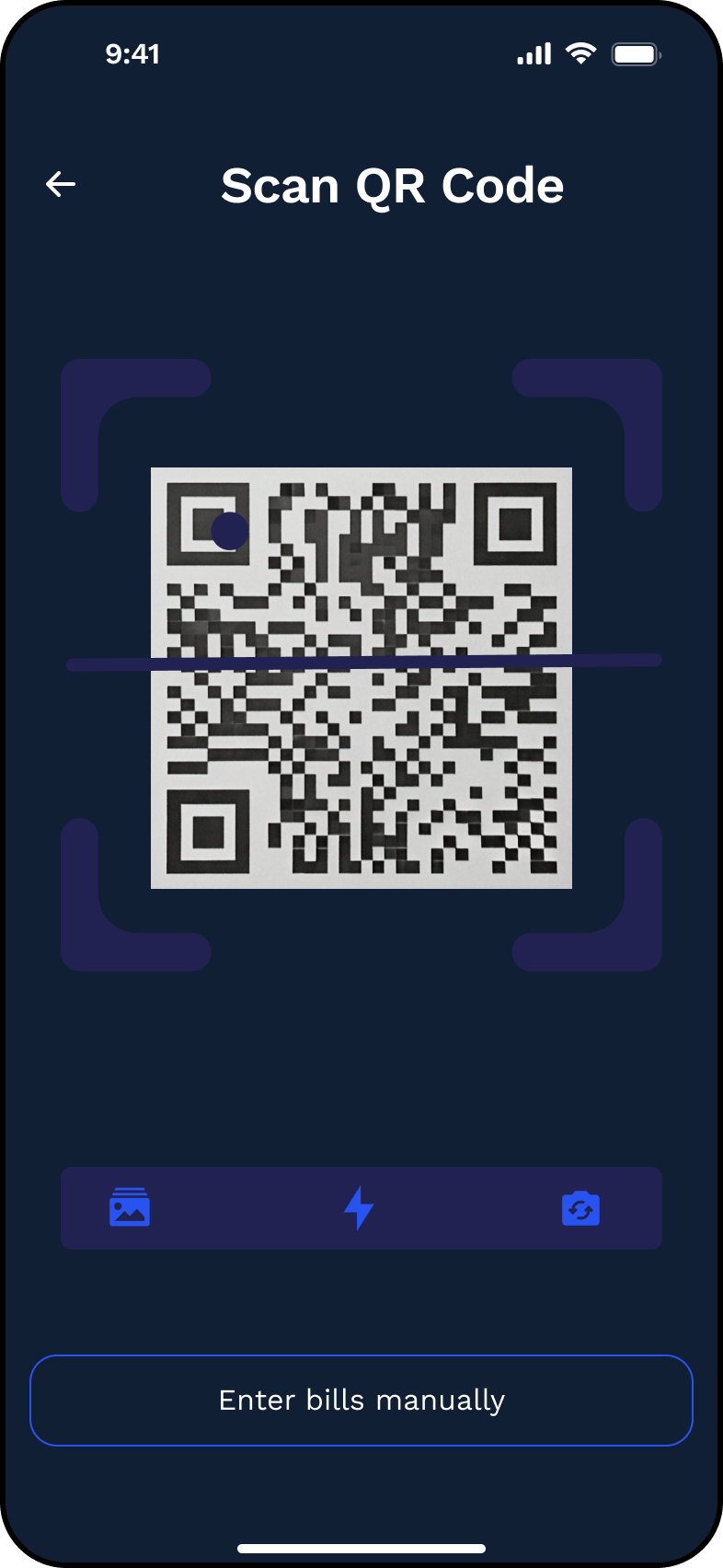
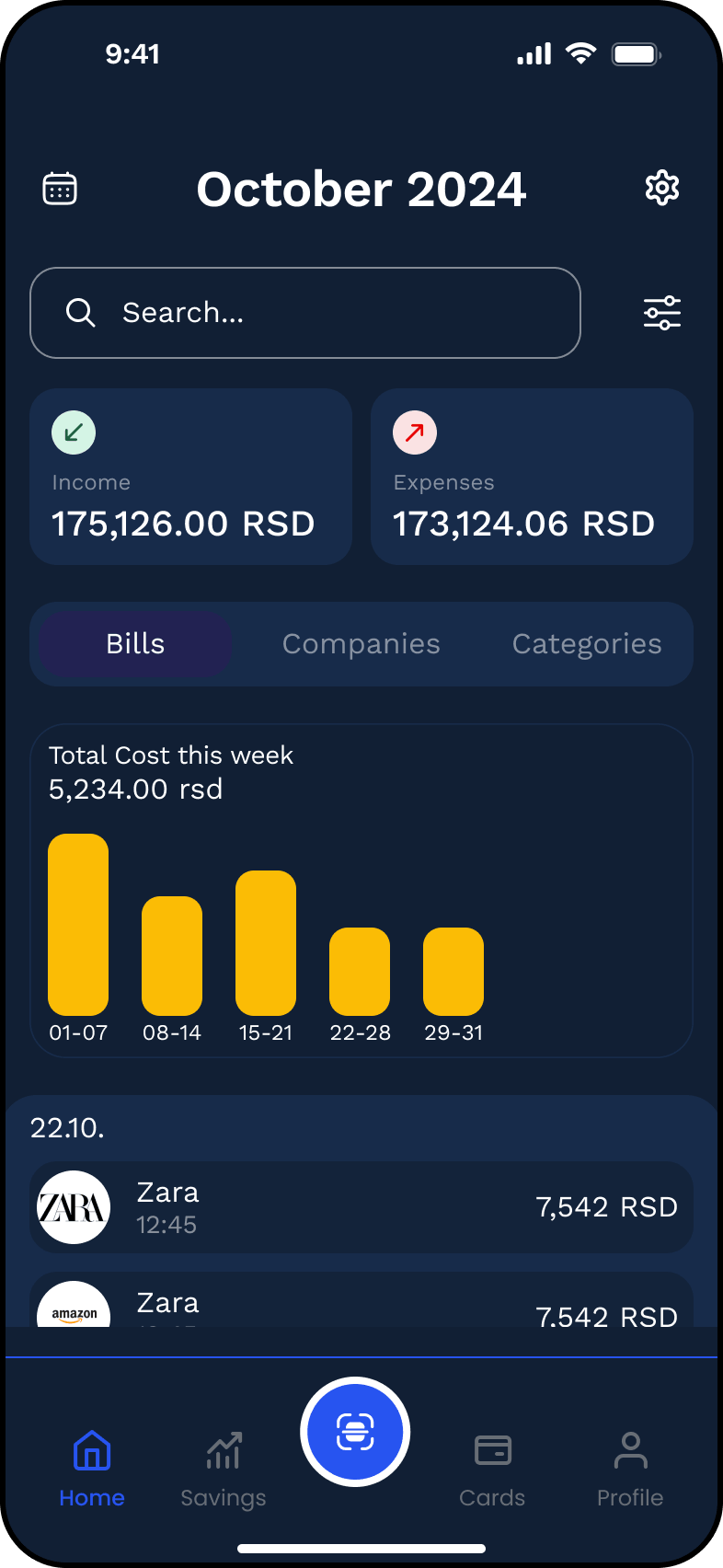
A clearer way to keep everyday finances under control.
Money Care is a personal finance mobile concept created from a broad course brief focused on income, expenses, budgeting and financial planning.
Using the brief as a starting point, I independently defined the product structure and expanded the experience around practical everyday tasks such as reviewing spending, managing bills, tracking savings, storing receipts and organizing payment cards.
I designed the main user flows, high-fidelity mobile interface, reusable UI components and interactive Figma prototype.
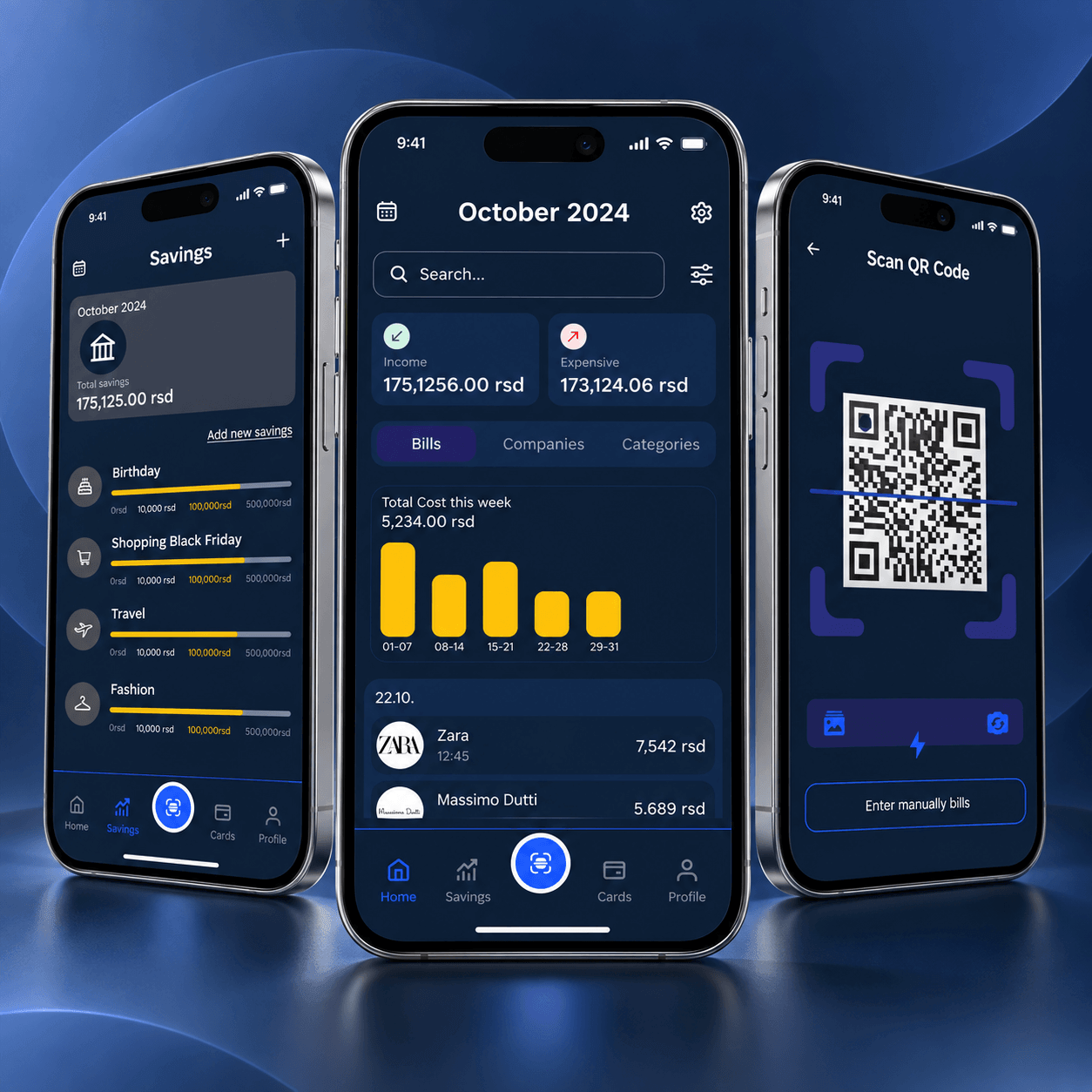
Turning a broad financial brief into a focused mobile product.
Personal finance products can quickly become complex because they need to present many types of information at once — income, expenses, bills, cards, savings and financial history.
The original brief described a broad money-management product but did not define how the experience should be structured.
The challenge was to organize those requirements into a clear mobile product that could support several financial tasks without making the interface feel dense or difficult to understand.
- Broad, undefined product scope
- Many data types on one interface
- Bills, cards, savings — all need dedicated flows
- Consistent structure across many financial areas
Make financial information easier to understand and act on
End-to-end UX/UI design
The project started from a predefined course brief, but the product architecture, feature organization and final interface were developed independently.
I was responsible for turning the broad requirements into a structured mobile product and designing the main flows from initial setup through everyday financial management.
- Product structure & information architecture
- UX flows
- UI design
- Interaction design
- Prototyping
- Component design & design foundations
- Figma
- FigJam
From competitor review to a complete concept
Everyday financial tools in one experience
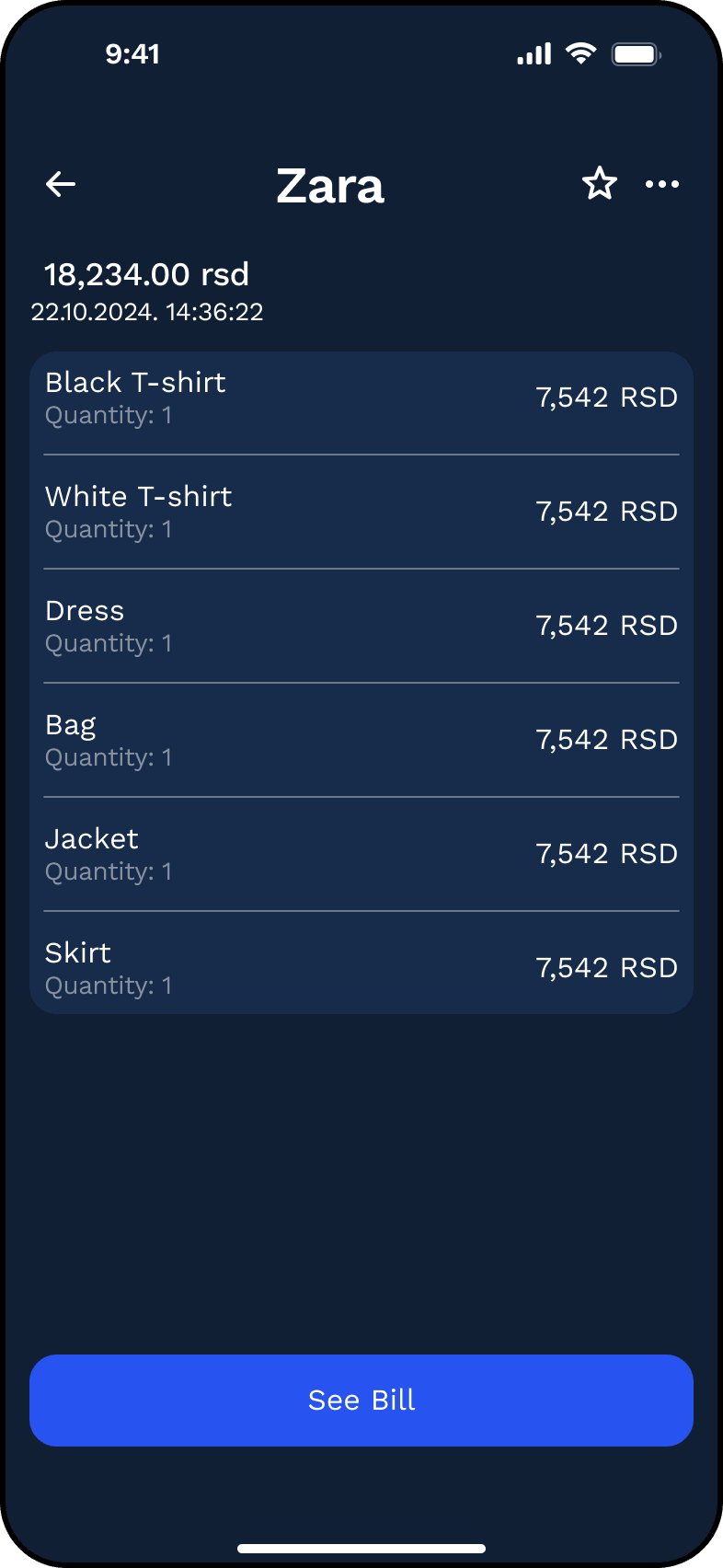
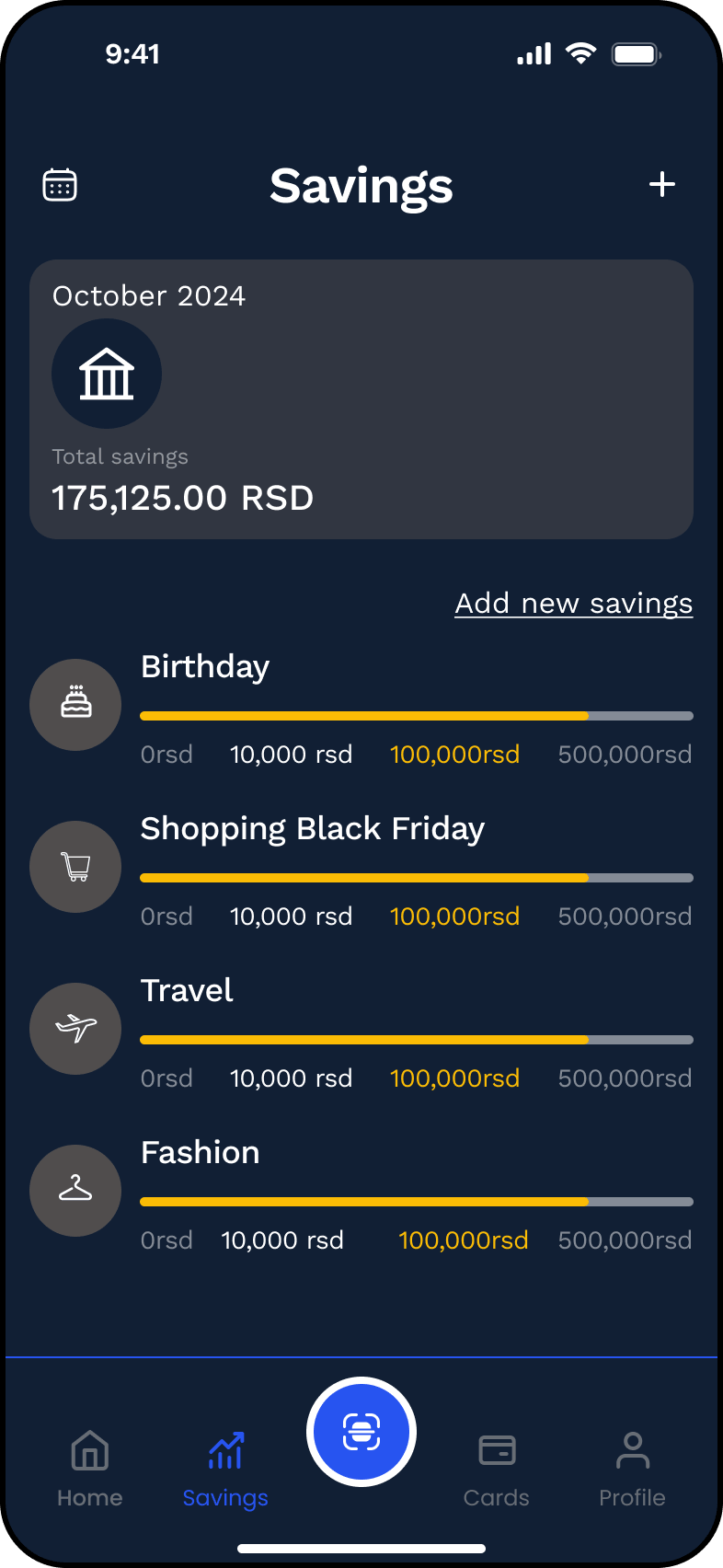
Choices that shape the everyday use
A reusable foundation for a multi-flow product
Try the full experience
Move through onboarding, financial overview, bills, QR scan, savings, cards and profile in a single connected prototype.
A complete concept built from a broad financial brief.
Money Care ended as a connected mobile experience covering onboarding, financial overview, bills, QR receipt scanning, savings, cards, profile and settings.
The project also includes a reusable UI library and an interactive prototype that demonstrates the main product flows and interface states.
The concept is complete enough to communicate how the product could work as a real personal-finance application, while remaining clearly presented as an independently designed course project.
- End-to-end product concept
- Interactive Figma prototype
- Reusable UI library across 37 screens
- Consistent structure across bills, savings, cards & profile
Making financial information useful starts with making it understandable.
Hierarchy matters most with numbers. Financial data doesn't just need to be displayed — it needs to be easy to scan and connect to the next practical action.
Structure creates value on its own. Bringing spending, statistics, bills, warranties, savings and cards into one organized experience supports users who want clarity without complex financial tools.
Reusable patterns scale. Building shared components across many related screens turned a large surface area into one coherent product instead of separate design tasks.
All screens from the project
44 screens · click any to open the viewer